Windows
The Choicer Voicer 0.5.3
- File type
- ZIP archive
- Download size
- 257 MB
- Filename
- TheChoicerVoicer 0.5.3 (Windows).zip
Game download
Get version 0.5.3 for Windows or Linux, then install community Dub Packs and start dubbing your favorite scenes.
Self-hosted ZIP downloads · Version 0.5.3 · Windows and Linux
The game builds are hosted on Choicer Voicer Packs’ R2 storage. For the developer’s original page, visit YeahMaybe on itch.io ↗.
Choose the build for your operating system.
The Choicer Voicer 0.5.3
The Choicer Voicer 0.5.3
The first launch takes three simple steps.
Choose Windows or Linux above and save the ZIP archive to your computer.
Right-click the downloaded archive, choose Extract All, and keep the extracted game folder together.
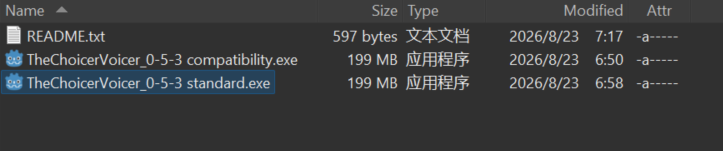
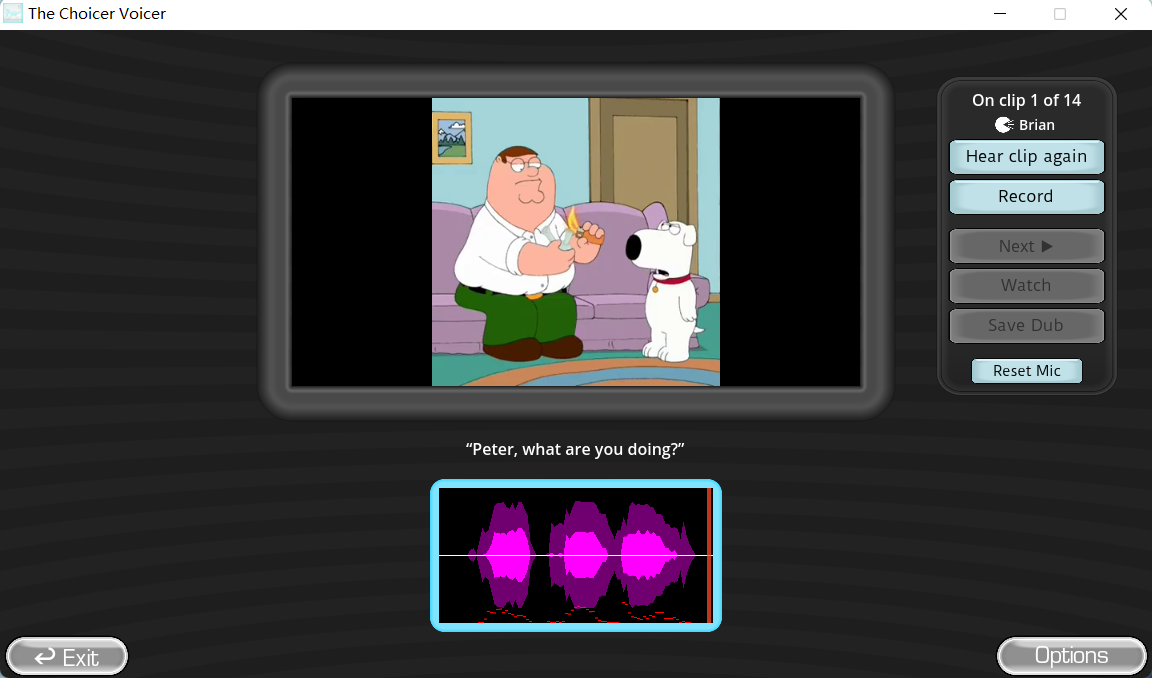
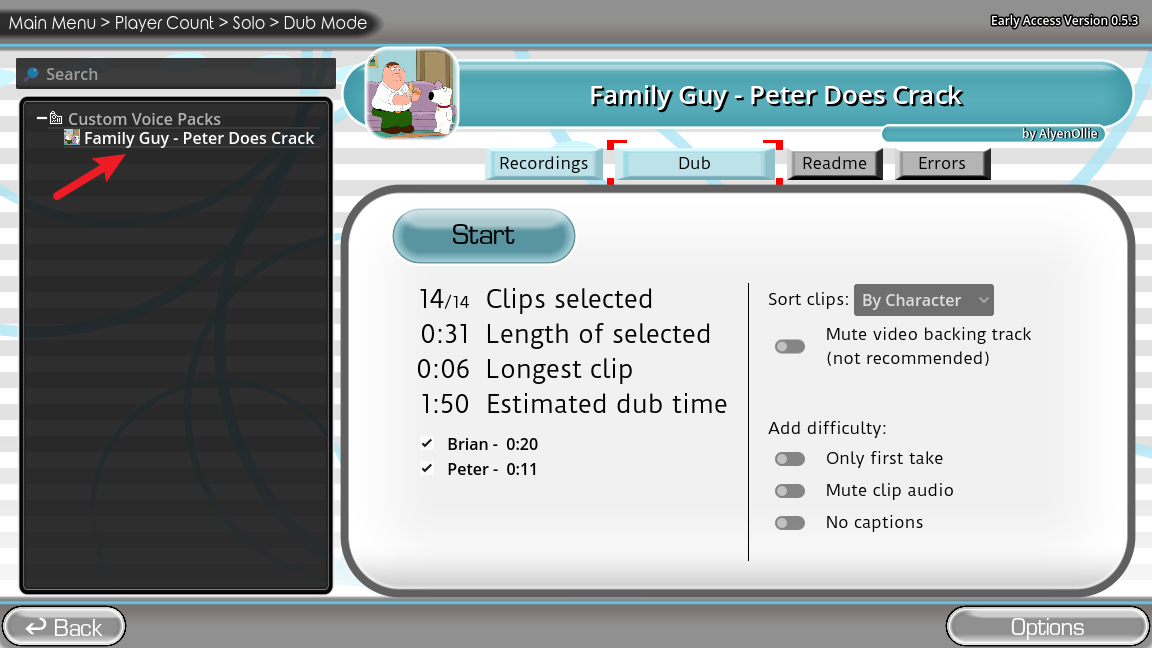
Launch the game, open Modpack Guides, select Dub Mode, and choose a Pack to start.
987 catalog Packs currently have a verified self-hosted download.
The game becomes more useful with community content. Download a Pack, install it in the game’s voice-pack folder, and open Dub Mode. 6 of these recommended Packs can also be played online.
Use these guides after you have downloaded the game.
Put a downloaded Pack in the right folder and preserve its structure.
→02How to Play Dub ModeChoose a scene, record your lines, retry takes, and watch your Dub.
→03Pack Not Showing?Check the folder location, archive extraction, and Pack structure.
→04Microphone TroubleshootingTest your input, browser permissions, and common audio setup issues.
→Download the build that matches your computer.
Direct ZIP download available.
Download for Windows →Direct ZIP download available.
Download for Linux →No build is provided on this page.
Check the official page ↗Quick answers before your first launch.
Choose the Windows or Linux download button on this page. The files are served from the site’s self-hosted R2 storage.
Download the current build listed on this page.
Download the archive, extract it to a folder, and launch the game from the extracted files. Do not run it from inside the ZIP archive.
Browse the community Pack catalog. Pack pages show whether a verified self-hosted download or online play option is available.
Browse Dub Packs →Check the installation folder and extracted structure with the Pack Not Showing guide.
Open the Pack Not Showing guide →Some Packs are supported in the browser-based Player. Open a Pack page or browse Play Online to see available scenes.
Browse Play Online →